Switch in an afternoon.
Create your practice and set up two-factor sign-in.
Upload the MC EDT files already on your computer (claims, batch edits, remittances); the application imports the history, mines your macros and your post-operative pattern, and shows Procedures for the last two years.
Enter your ministry credentials in the application; nobody at Ubika sees them.
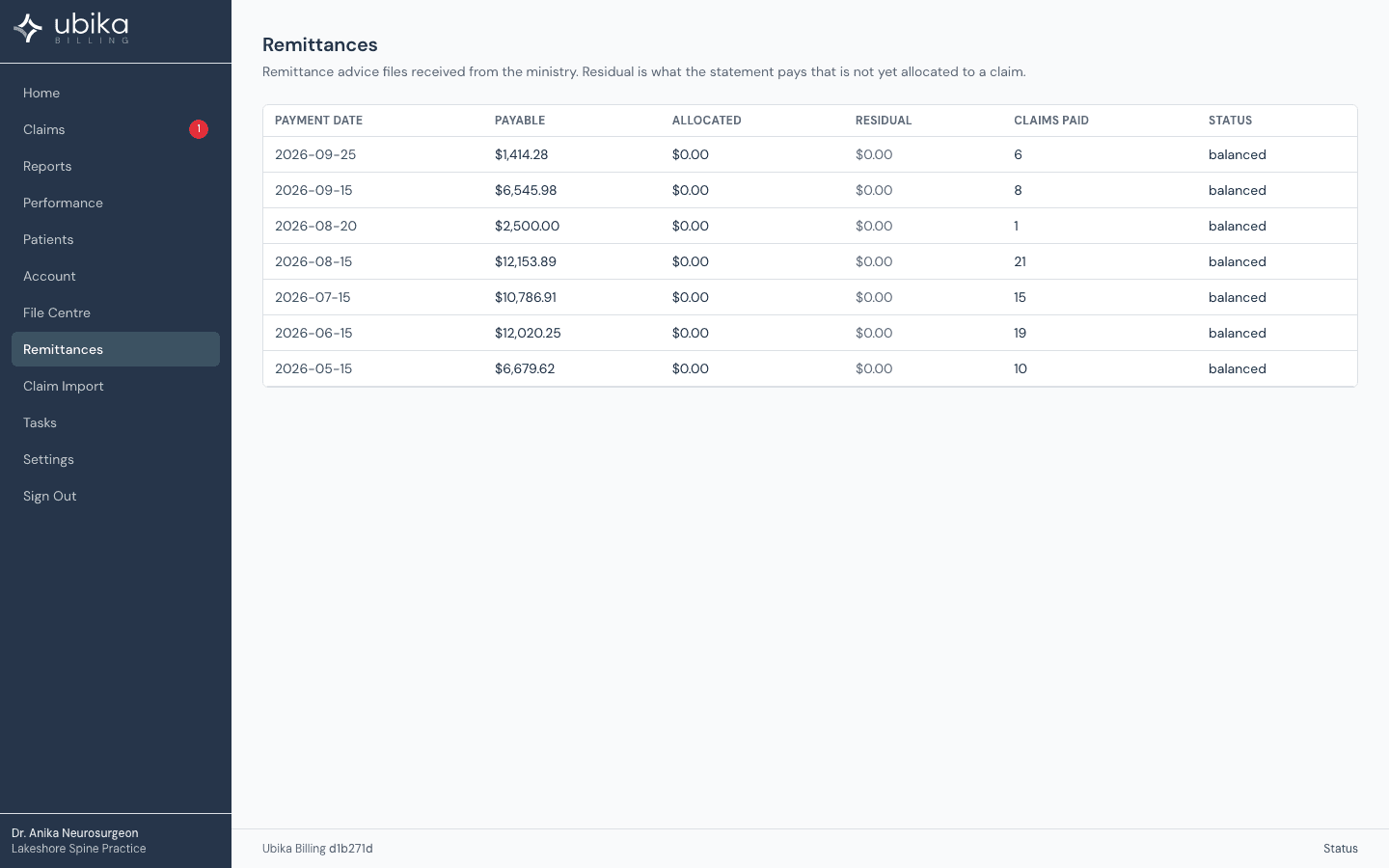
Submit your first claim; keep the old subscription until your first remittance lands here.
Cancel CabMD or Dr.Bill.
For the first 100 physicians, step 2 is done for you.
What history is imported?
Upload the MC EDT files already on your computer: claims, batch edits and remittances. The application imports the history, mines your macros and your post-operative pattern, and shows Procedures for the last two years.
Can I keep the old subscription running?
Submit your first claim here and keep the old subscription until your first remittance lands here. Then cancel CabMD or Dr.Bill.
Who sees my ministry credentials?
You enter them in the application. Nobody at Ubika sees them.